Invoicing software for construction companies and contractors: quotes, pro forma invoices with advance payments, materials with units of measure, projects, and payment reminders.
Invoicing for Construction Projects: From the Proposal to the Advance Payment.
Quotes for Projects: Senda quote via email. The customer accepts or declines it via a link, and you can convert an accepted quote into an invoice.
Pro forma invoices and advance payments: Issuepro forma invoices and add advance payments with a description and amount, which are deducted from the final total.
Materials and Services with Units of Measure: Saveyour materials and services with their price and unit of measure—such as pieces, kilograms, metric tons, or liters—and add them to the invoice with a single click.
Projects by Site: Groupquotes, invoices, and tasks by project and track its status: planned, in progress, completed, or postponed.
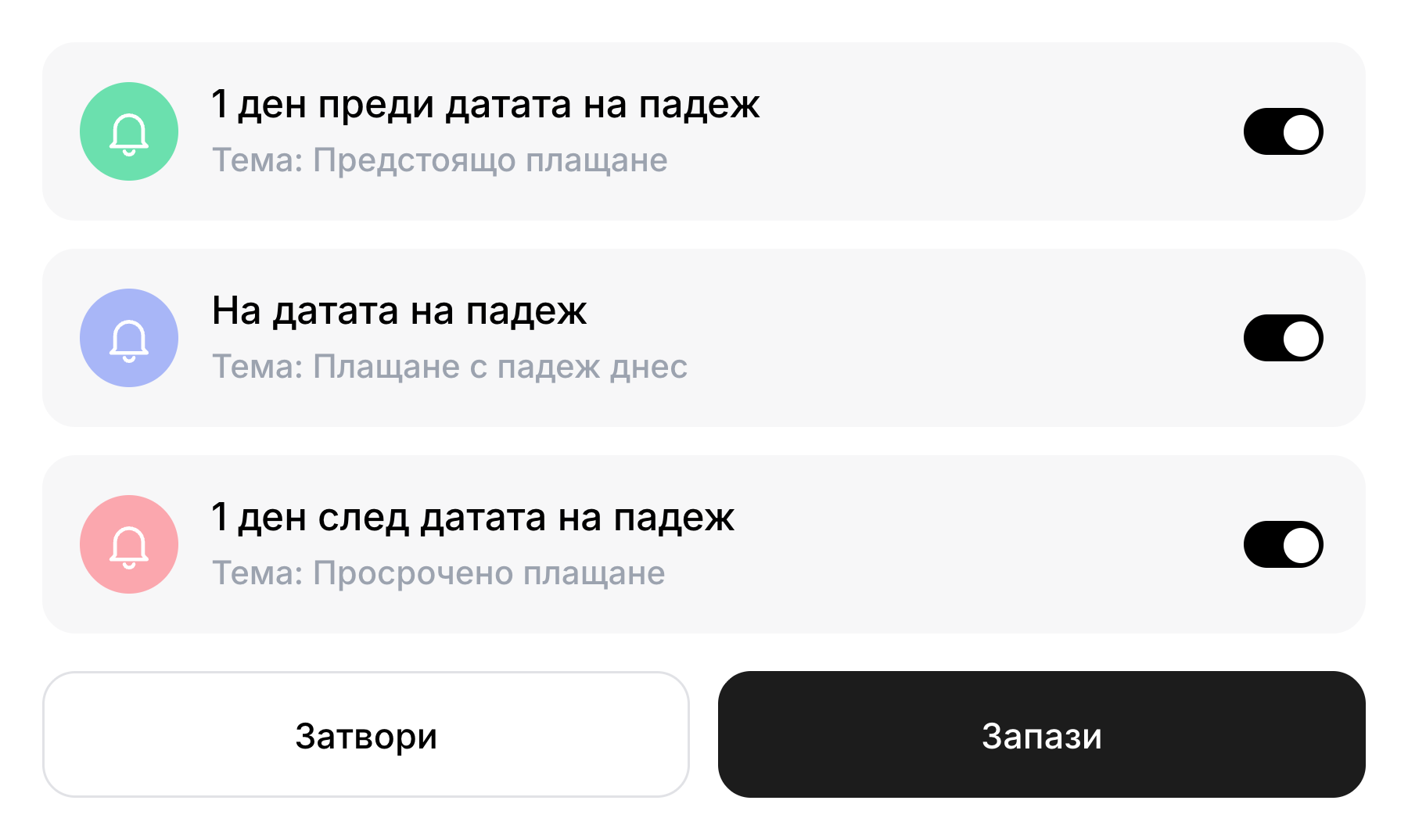
Overdue Receivables: Enableautomatic payment reminders and view overdue receivables by age: 0 to 7 days, 8 to 30 days, 31 to 60 days, and over 60 days.
Team and Accountant: Addteam members with roles and permissions, and invite an accountant who is not part of the team.
Advances and Projects for Construction Companies and Contractors.
Pro forma invoices and advance payments
You issue a pro forma invoice and add the advance payments in a separate section: for each one, you specify a description and an amount. These are deducted from the final amount. You can select the VAT basis from a predefined list or enter it as free text.
Each project has a dashboard showing invoices (overdue, unpaid, paid), quotes (pending, accepted, rejected), and tasks. Projects are organized in a Kanban board by status: planned, in progress, completed, and postponed.
In the invoice template, add a section for advance payments: specify a description and amount for each one. Advance payments are deducted from the final amount.
How do I create a quote and turn it into an invoice?
You send the quote via email, and the customer accepts or declines it via a link. You convert the accepted quote into an invoice with a single confirmation, and then finalize the draft.
How do I track invoices by project?
You attach invoices and quotes to a project. The project dashboard displays the invoices (overdue, unpaid, paid), quotes, and tasks associated with the project.
What units of measurement can I use?
Select from the list: quantity, hour, minute, kilogram, gram, metric ton, liter, milliliter, or stack. Materials and services are saved with their prices and added to the invoice with a single selection.
How can I see which payments are past due?
In Reports, you can see the amounts that have been paid, are expected, and are past due. Past-due receivables are broken down into 0 to 7 days, 8 to 30 days, 31 to 60 days, and over 60 days.
Can I grant access to my accountant?
Yes. You invite an accountant using an email address from the “Team” section. The accountant does not take up a spot on the team.