Client Management and Billing for Agencies. Clients, quotes, and projects all in one place.
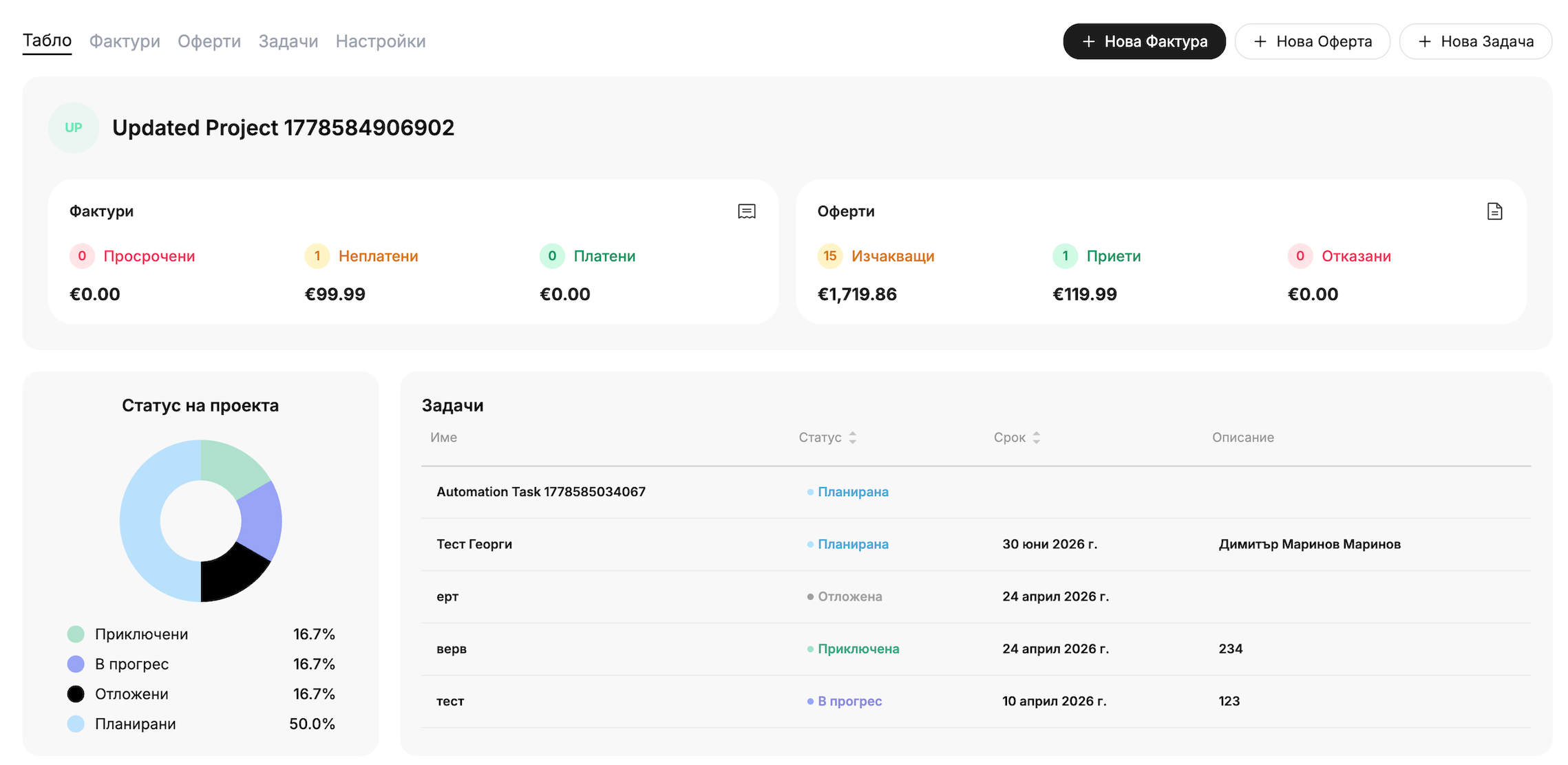
Client Projects: Groupquotes, invoices, and tasks by project and track progress in a Kanban view.
Recurring Invoices: Schedulerecurring invoices to be sent automatically via email.
Customer Database:Customer profileshowing unpaid invoices, monthly and annual revenue, and billing history
Overdue Invoices and Reminders: Set upa schedule for automatic reminders for unpaid invoices once.
Team, Roles, and Accountant: Managing a team with roles and permissions, and inviting an accountant.
Business Statistics by Customer: Top Customers and Management of Receivables by Age for a Selected Period.
Projects and recurring invoices for each of the agency's clients.
Client Projects
Clients, quotes, and projects all in one place. Each project has a dashboard with invoices (overdue, unpaid, paid), quotes, and tasks, and cards move between the statuses Planned, In Progress, Completed, and Paused.
Invoices are issued on a schedule, without any manual work. You set the frequency (daily, weekly, monthly), start date, send time, and duration—or you can choose to have no end date. Invoices can be sent automatically via email.
How do customer management and the customer database work?
You can create a customer from the “Customers” section or directly within an invoice and save it as a template. Each customer has a profile with an invoicing history and up to 10 tags for filtering, and the system prevents duplicates based on EIK or VAT number.
Can I keep track of each client's projects?
Yes. You can link clients, quotes, invoices, and tasks to the project. The client's dashboard displays invoices (overdue, unpaid, paid), quotes, and the status of tasks.
How do recurring invoices work?
You can create a series with a frequency, start date, and send time, and you can enable automatic email delivery
How do I track overdue invoices?
The reports show receivables by age: 0–7, 8–30, 31–60, and over 60 days, and the “View Overdue” button opens the list. Automatic reminders send an email before, on, and after the due date.
Can I invite the team and the accountant?
Yes. Members are invited via email and assigned a role, while the accountant is invited using a separate button. Accountants do not take up a spot on the team.
Can I link customers to a CRM or ERP system?
The additional customer fields link the customer to a record in another system, primarily through ERP integration and Zapier automations.