Manage customers without having to re-enter data .
A customer database with automatic VAT number verification and duplicate protection—enter the information once, and use it for every subsequent invoice.
Create a Customer in Seconds: You can createa customer from the "Customers" section or directly when creating an invoice—with the option "Save Customer as a Template" for future use. The foundation of any customer database, built without unnecessary steps.
Complete profile with all data: Name, EIK, VAT number, address, and notes—with English versions of the fields for customers outside Bulgaria. The foundation for accurate financial management and a reliable customer database.
Autofill by VAT Number: The system checks the European VAT registry and suggests a company name, , a UIC, and an address—a step toward digitizing your accounting.
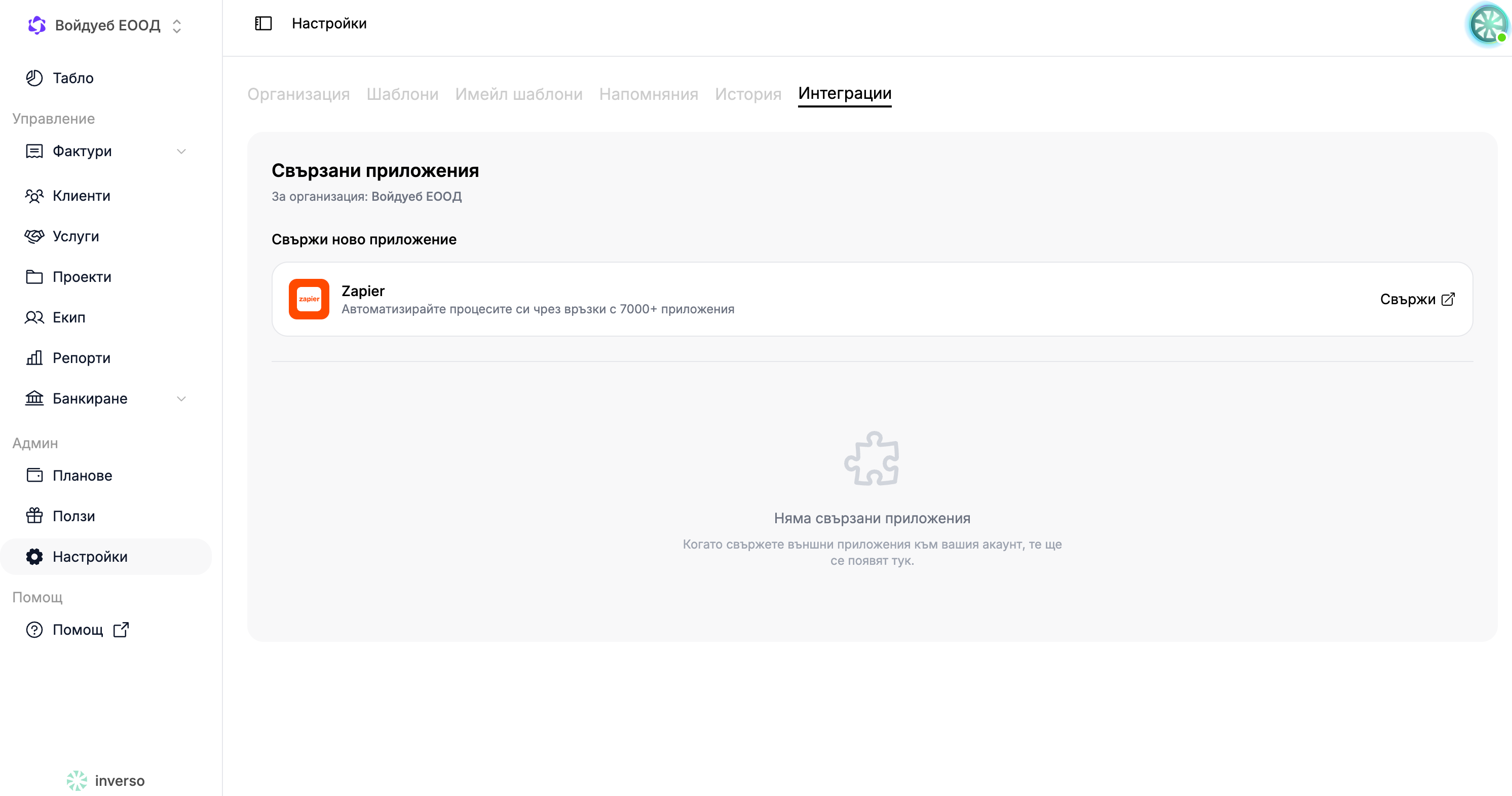
Integration with CRM via Custom Fields: Addcustom fields and link the customer to their record in another system— is the backbone of every ERP integration and a key part of your business automation.
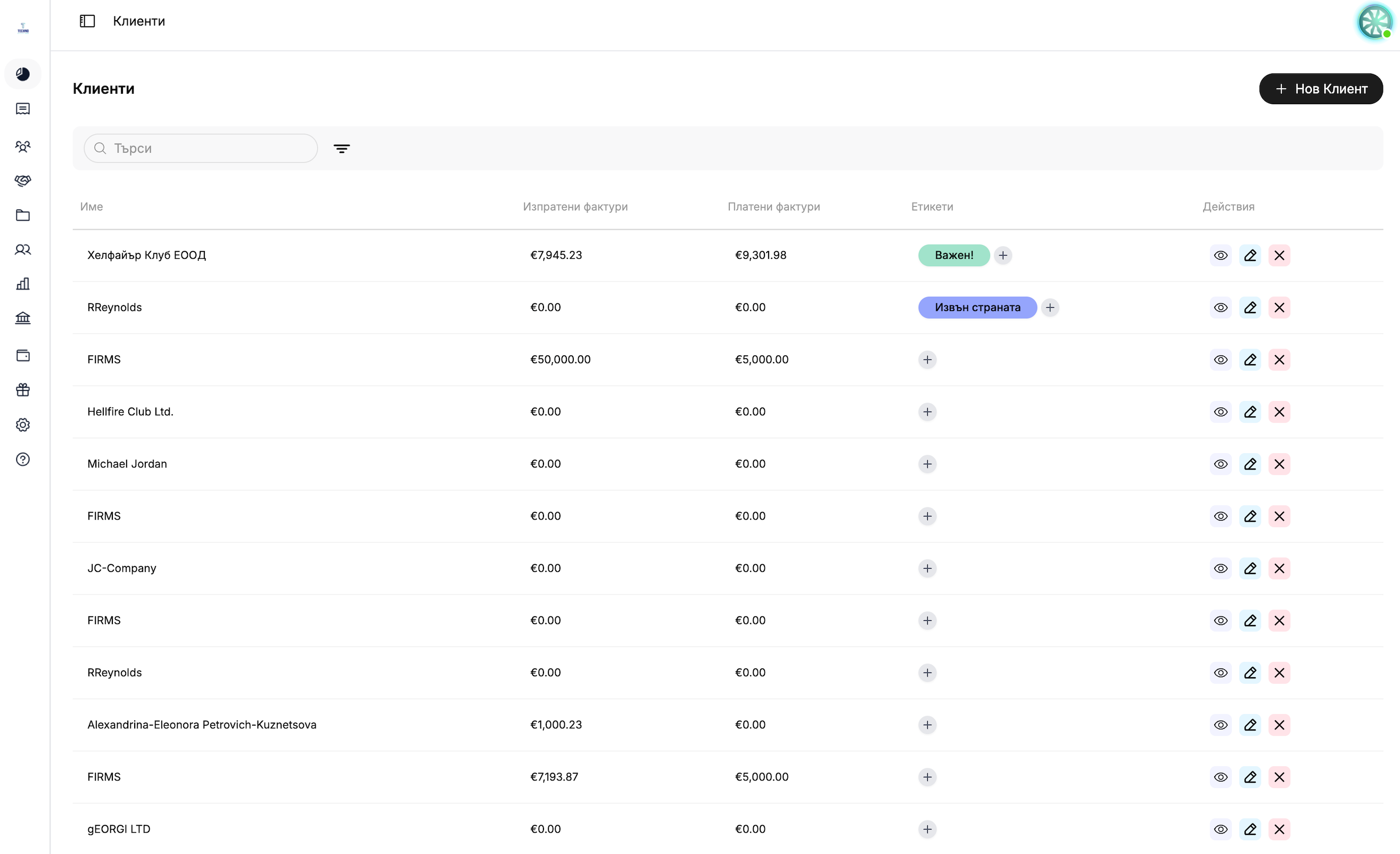
Tags for Quick Filtering: Addup to 10 tags per client and filter the list in seconds— : Manage clients the way you want in your own client database, available on every plan.
Data Security and History: The systemdoes not allow duplicate entries based on EIK or VAT numbers, and deleting a customer does not affect their old invoices—personal data protection is ensured in every financial report, with a complete document history.
A customer database that populates automatically. Manage your customers all in one place.
Autofill by VAT Number
You simply enter the VAT number, and the system checks the European VAT registry (VIES) and automatically fills in the company name, EIK, and address in the customer database—no manual entry required. Part of the customer management for every Team or Enterprise plan.
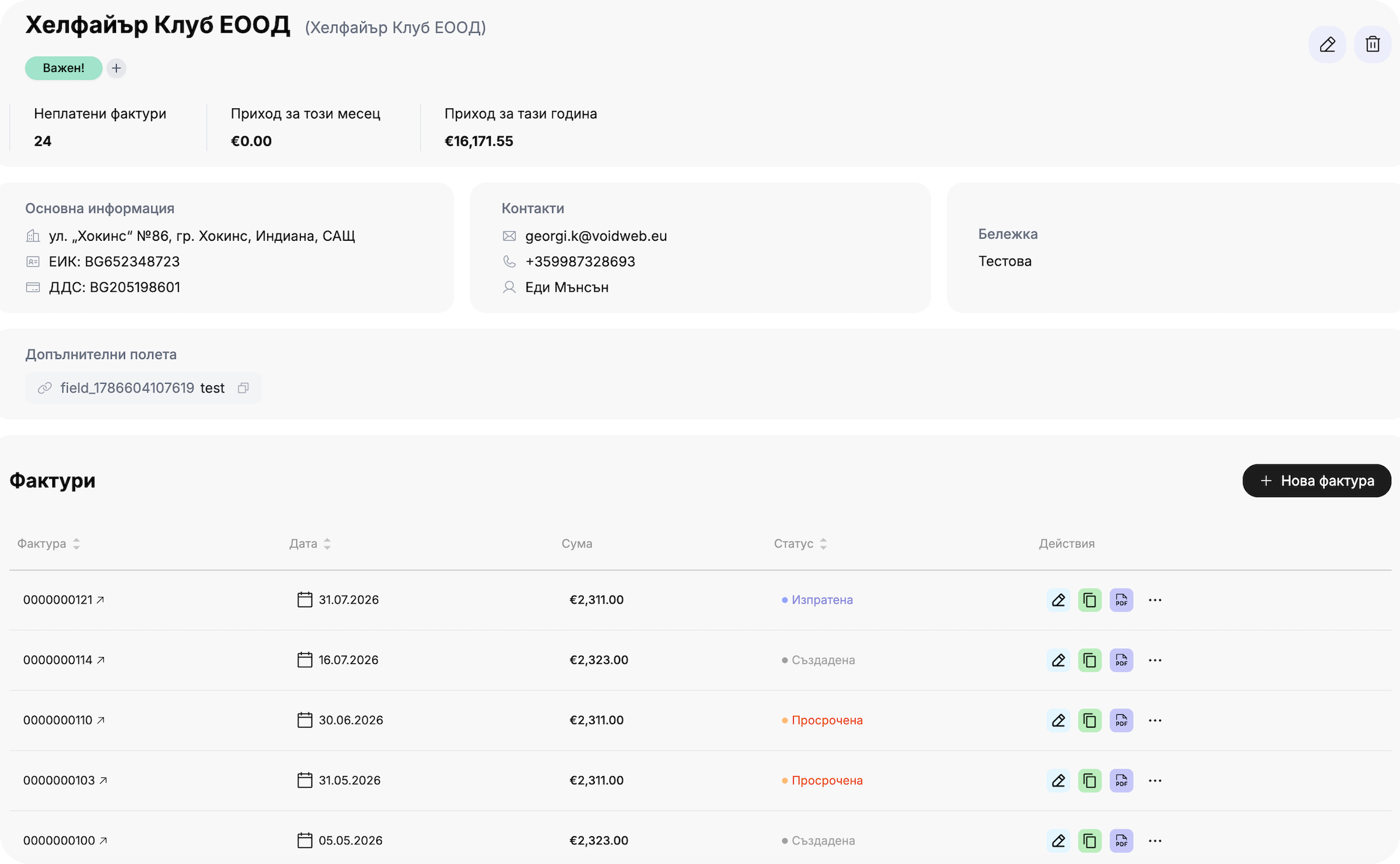
Every customer in the customer database has their own page listing unpaid invoices , monthly and annual revenue, contact information, and a complete billing history—allowing for customer management and financial management in one place.
From the "Customers" section using the "New Customer" button, or directly when creating an invoice using the "Save Customer as Template" option for your customer database.
What information can I enter for a customer?
Name, email, phone number, company name, authorized representative, EIK/Bulstat, VAT number, address, and note—with English versions of the fields for international management of customers.
How does the VAT number check work?
With a single click, the system checks the number in the European VAT register (VIES) and suggests a company name, EIK, and address for auto-fill— step toward digitizing your accounting. Available for the Team plan with 500 checks per month; unlimited for the Enterprise plan.
What are the additional fields for?
Inverso links a customer to their record in another system—primarily through ERP integration and Zapier automations that identify a customer based on that field. Available on the Team/Enterprise plan.
Can I organize my clients using tags?
Yes, you can create custom labels (up to 15 characters, up to 10 per customer) to make it easier to manage customers and filter the list at —available on every plan.
What can I see on the client's profile?
A summary of unpaid invoices, monthly and annual revenue, contacts, notes, and a complete invoicing history—all in one place, with the ability to create a new invoice directly.
What happens if I delete a client?
His old invoices are not affected; the data as of the date of issuance remains preserved within the invoice itself, and the system ensures data protection without the risk of losing accounting history.
Can I have two clients with the same EIK?
No—the system does not allow duplicate entries based on EIK or VAT numbers in to keep the customer database clean.





.png)