Financial management and digital accounting at a glance. Linked to the bank and your documents.
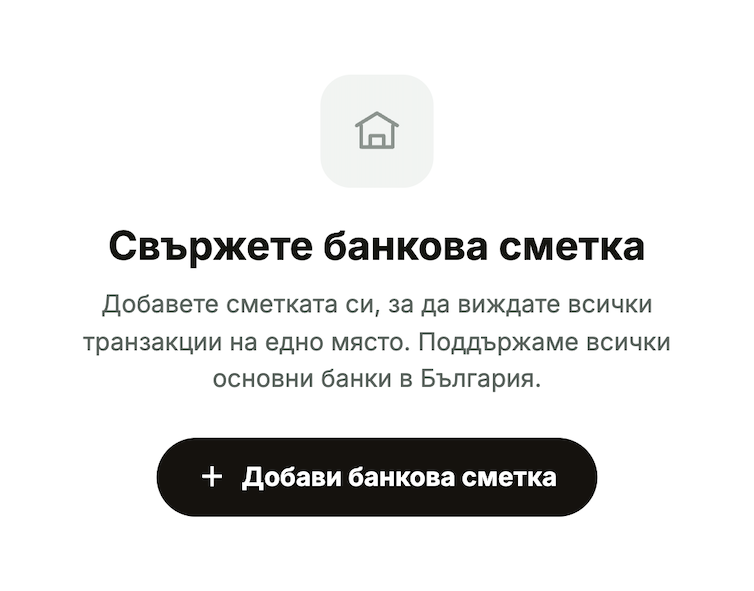
Bank Synchronization: Linkyour bank accounts to automatically track payments.
Document Digitization: Take a photo ofan invoice or receipt, and the system will automatically recognize it.
Income Statement and ExpenseStatement: Real-time financial reports updated with every new bank transaction
Online Invoicing: Create invoices, pro forma invoices, and quotes online and send them via email.
Online Invoicing: Create invoices, pro forma invoices, and quotes online and send them via email
Automation and Integrations: Zapier and API integration connect Inverso to your apps.
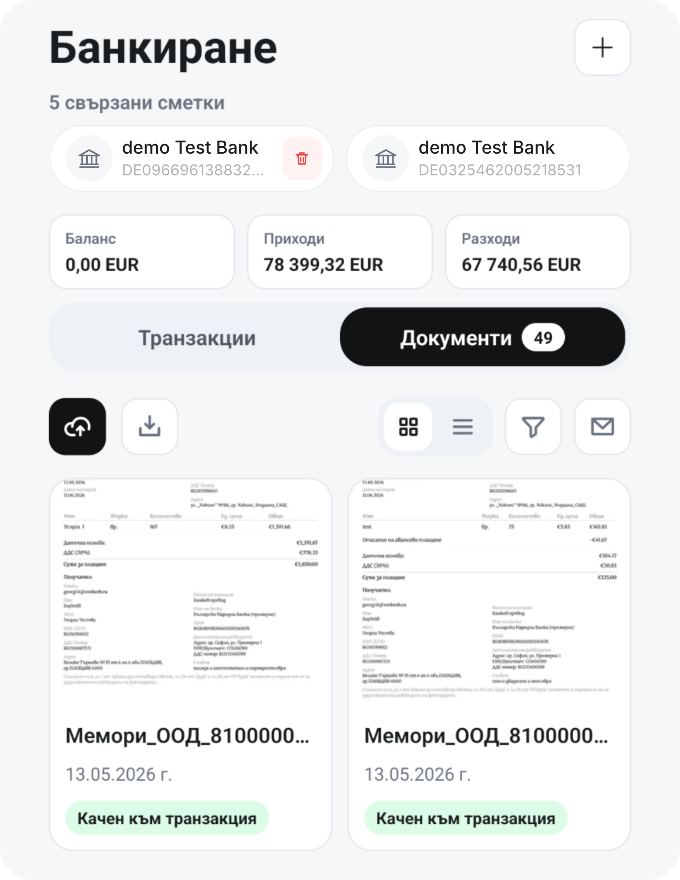
Bank transactions and accounting documents all in one place.
Bank Synchronization for Financial Management
You link your bank accounts and track every payment confirmation. Accept the terms and conditions, select a bank, and authorize access to the bank’s website. Income and expenses are calculated based solely on actual bank transactions; you can filter by type and time period and export your bank statement as a PDF or CSV file.
You take a photo of an invoice or receipt, and the system automatically recognizes it without requiring manual entry. Documents received at a specific email address are also recognized and suggested for linking to the corresponding transaction.
You accept the terms of use, select a bank, and authorize access to the bank's website
What does the income and expense statement show?
Revenue and expenses are calculated solely based on actual bank transactions in the linked accounts, and profit is the difference between them. Financial reports are updated with each new transaction and filtered by time period.
How does the document inbox work?
You will receive a special address. Invoices and receipts sent to this address are automatically recognized and suggested for linking to a transaction. You can regenerate the address, and the old one will stop working immediately.
Is Inverso a good fit for small businesses?
Inverso is designed specifically for small and medium-sized businesses: it's easy to use and flexible, whether you run your business on your own or with a team.
How do I add my accountant?
Use the "Invite an Accountant" button in the "Team" section. The number of team slots does not include accountants.
How can I view receivables that are past due due to the statute of limitations?
In the "Sales" and "By Customer" tabs, the "View Overdue" button takes you directly to , where you can manage receivables filtered by overdue items only.